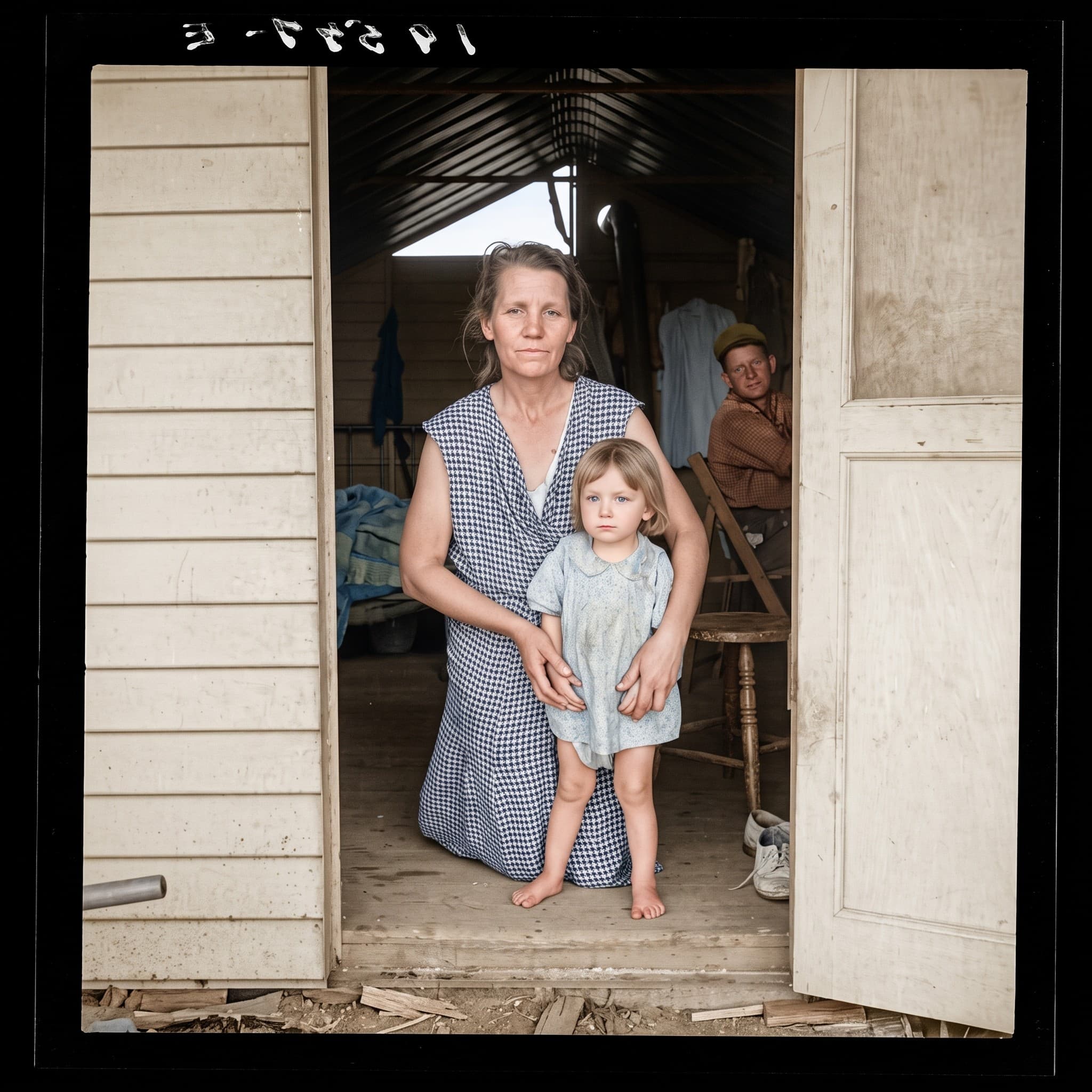
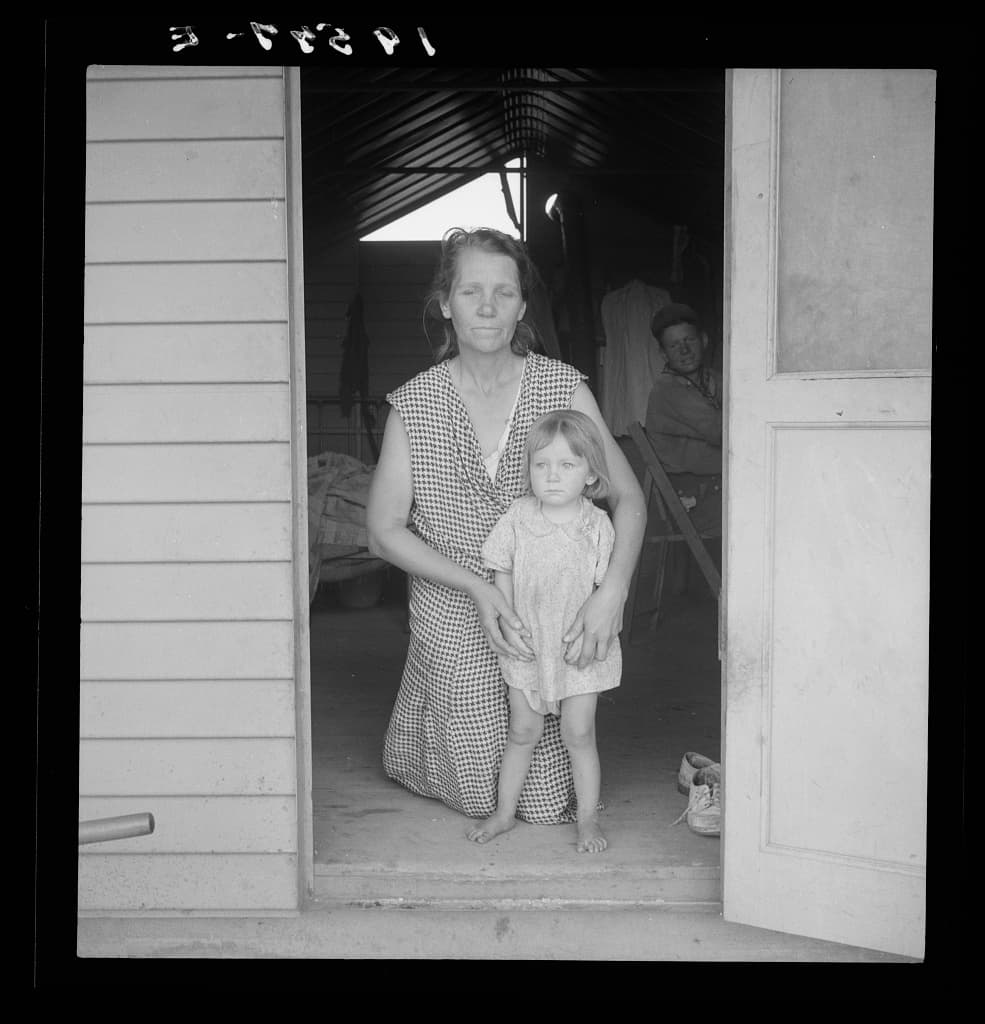
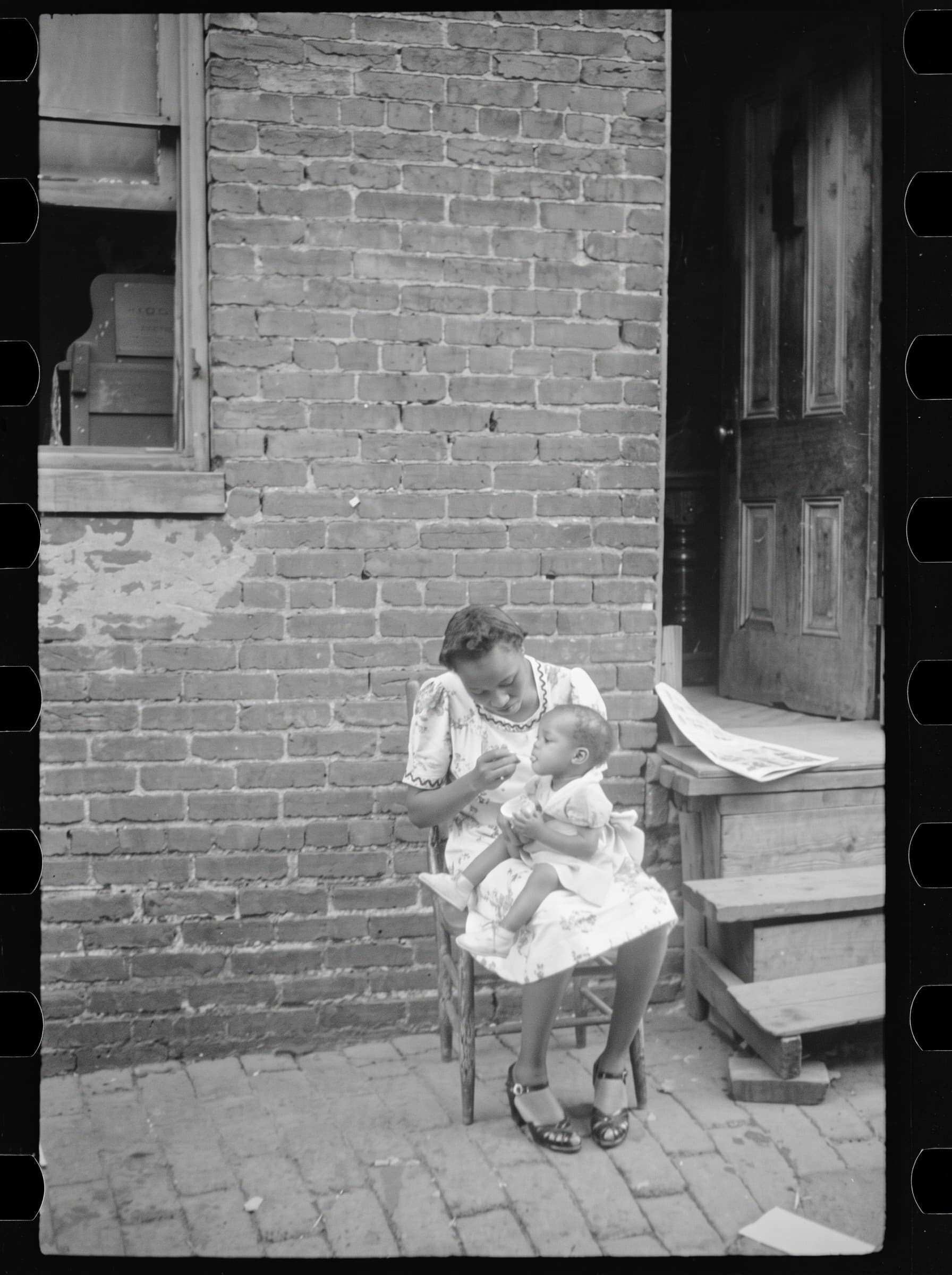
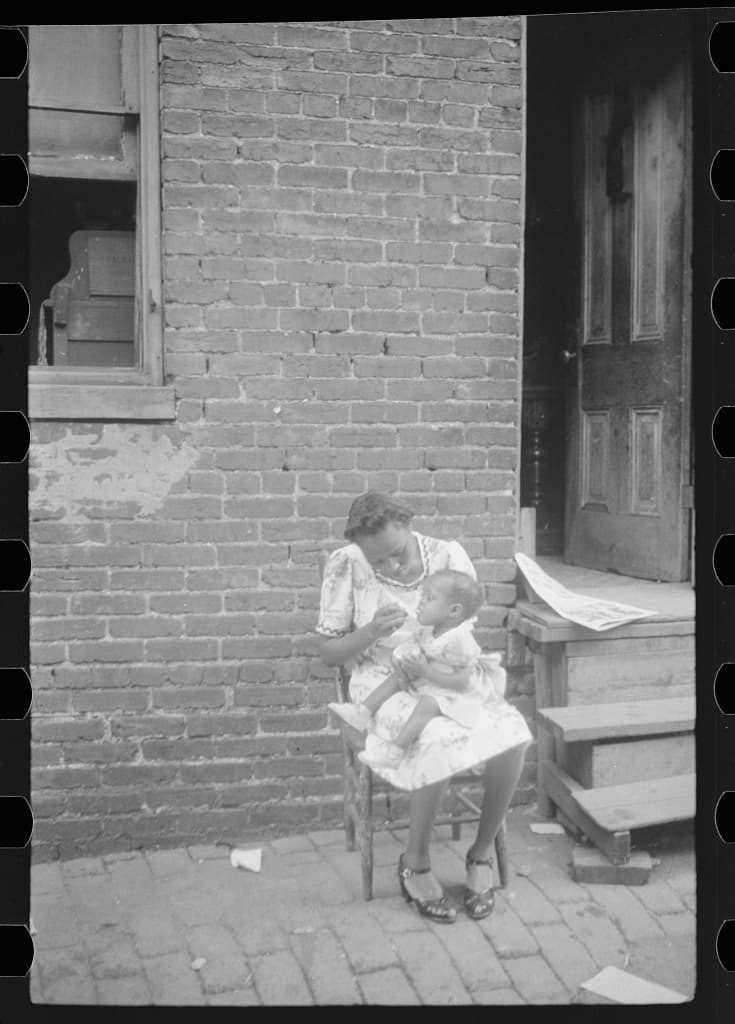
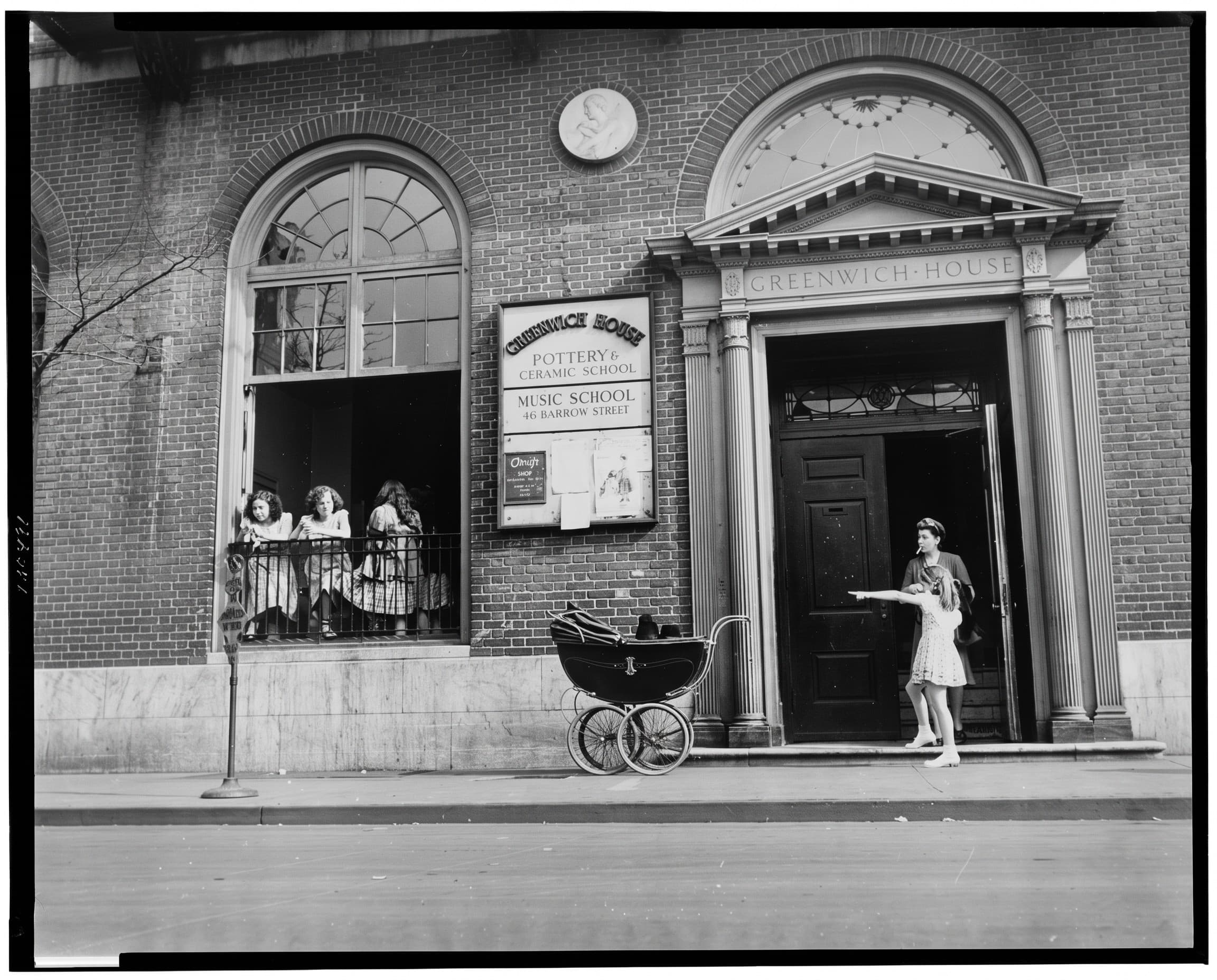
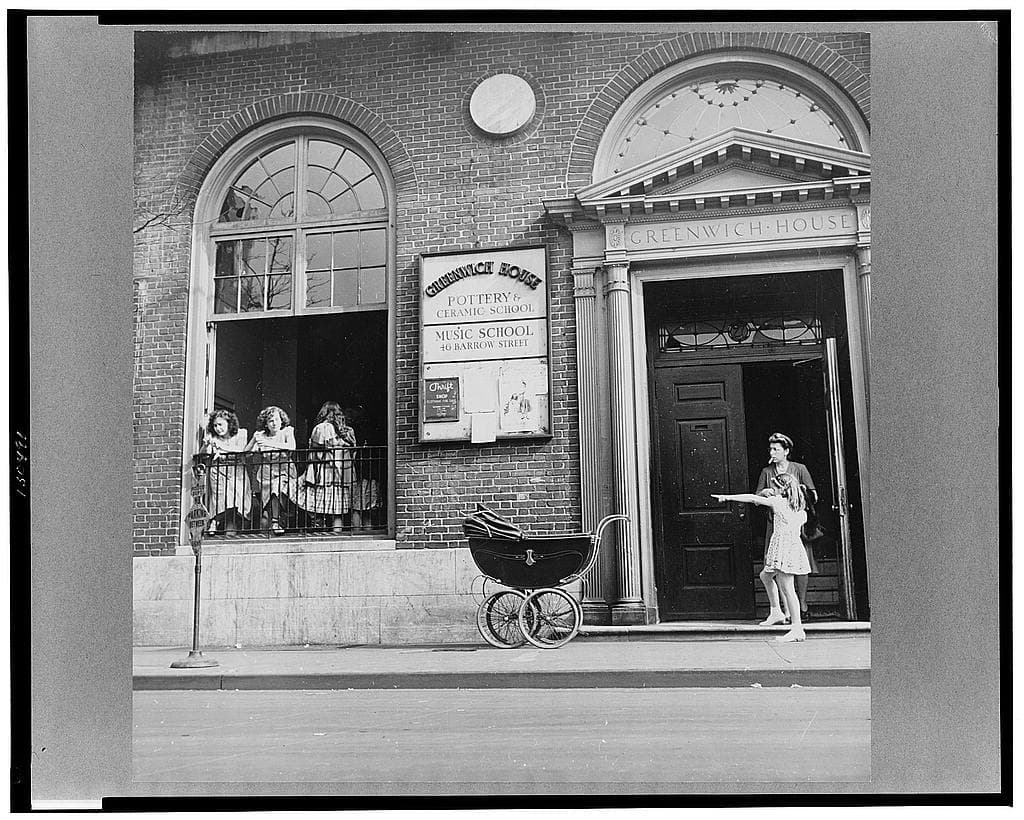
Repair torn, creased or water-damaged photos
A photo kept in a shoebox, an attic or a flooded basement can come out torn, folded, stained or stuck to its album page. Before any digital repair, protect the print itself; then a careful scan lets Photos Repair reduce the visible damage on a digital copy while the original stays untouched.
Select my photos20 photos every month, from €4.17/month (€49.99 billed yearly) or €9.99 month to month. Extra photos require an active subscription.
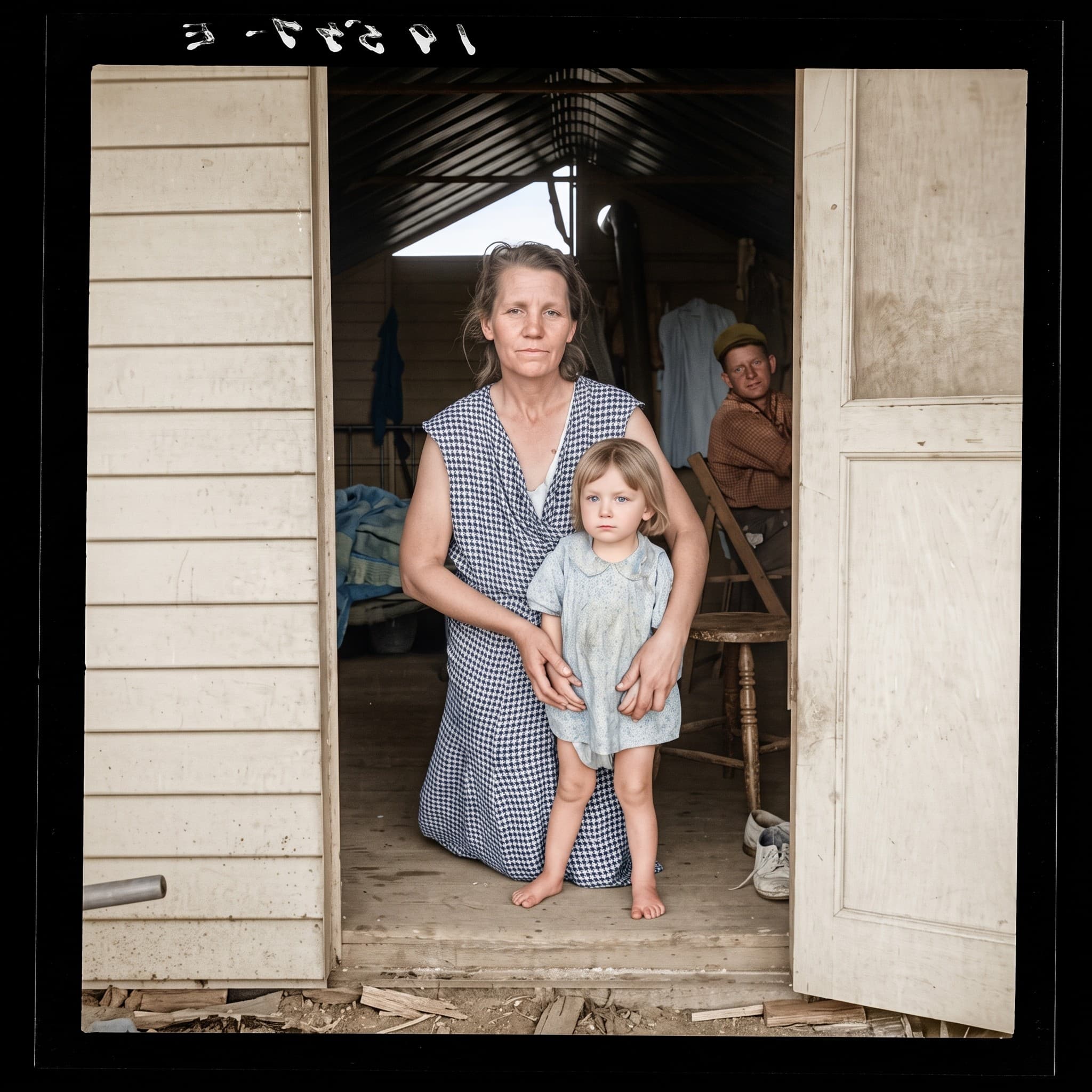
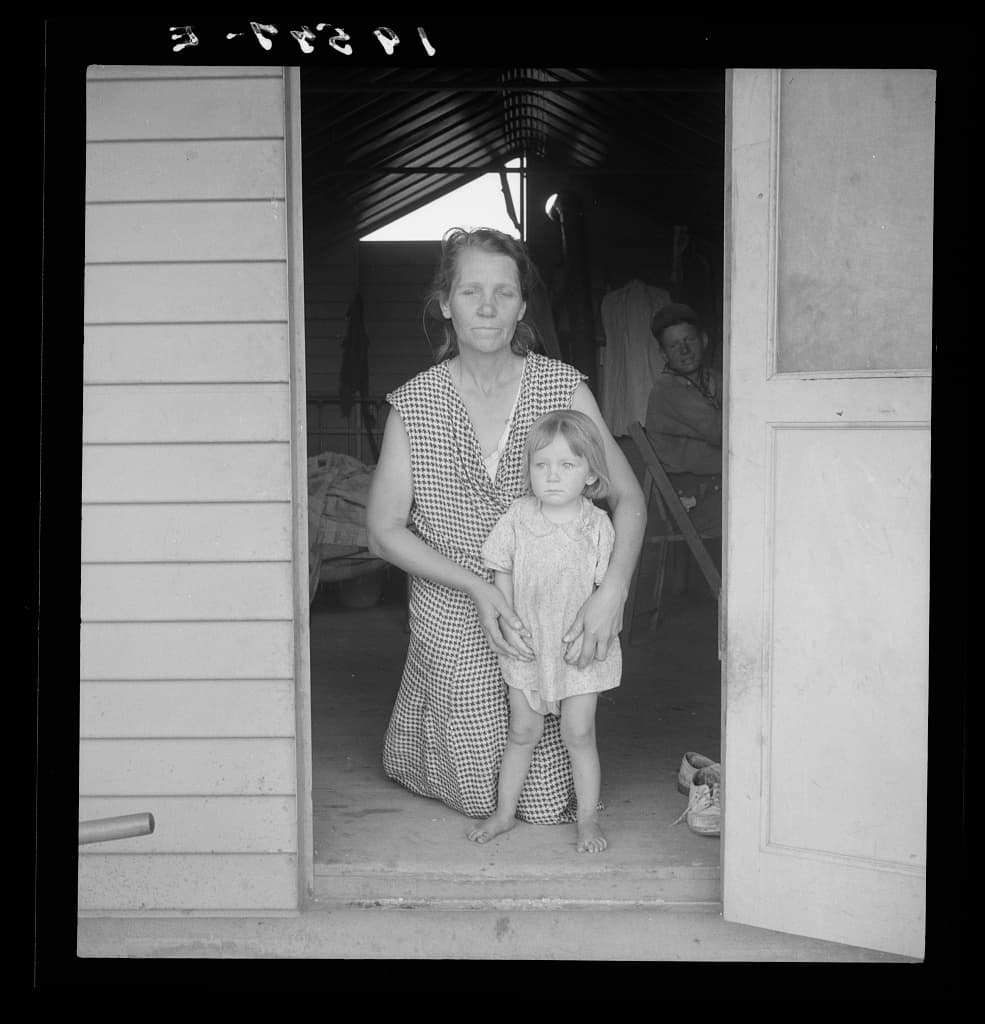
How it works
Handle the print by its edges with clean, dry hands. Do not tape a tear, glue pieces or try to flatten a crease by force: tape and glue stain over time and pressure can crack the emulsion. Lay the pieces of a torn photo on the scanner glass, aligned as closely as possible, and scan them together. JPEG, PNG, WebP and HEIC files up to 20 MB are accepted.
- Scan or photograph the damaged print flat, with all its pieces, and keep this file.
- Open the editor in Restoration mode. Enable colorization only if you also want color.
- Choose HD or Ultra HD, start the restoration and compare the result with the scan before downloading.
What to expect
Restoration reduces cracks, fold lines, small tears, spots, stains and fading. Where the image is actually missing, such as a torn-off corner, a hole through a face or emulsion washed away by water, the AI fills the gap with plausible content. It cannot know what was there. Check faces, hands and any text closely, and keep the scan as the reference.
An HD repair uses 1 photo from your plan and Ultra HD uses 2. For a heavily damaged unique photo, try HD first: if a key area is invented badly, a manual retoucher working from other photos of the person may be the better option.
See also: Restore old photos with AI · Photo restoration prices: AI or a retoucher?
Common types of damage and what to expect
Creases and fold lines: usually reduced well, because the image on both sides of the line is still there. Small tears: the edges are joined digitally; a white gap along the tear is filled from the surrounding image.
Stains, spots and foxing: often reduced, but a large stain over a face can change the expression. Water damage: when the emulsion has lifted or washed away, the missing area has to be invented. Fading and yellowing: contrast and tones are rebalanced; colorization is optional.
Protect the original before and after the scan
If a print is wet, let it dry face up on a clean absorbent surface, away from direct heat, and do not stack it. Do not pull apart photos stuck together or stuck to glass: scan them as they are and consider asking a conservator.
After scanning, store the print in an acid-free sleeve or envelope, away from light and humidity. The digital repair is a copy: the original remains the only true record.
Clear prices, before processing
An HD photo counts as 1 photo from your plan, an Ultra HD photo as 2. Both qualities are included with every plan.
20 photos every month, from €4.17/month (€49.99 billed yearly) or €9.99 month to month. Extra photos require an active subscription.
Frequently asked questions
Should I tape a torn photo before scanning it?
No. Tape and glue stain prints over time. Lay the pieces on the scanner glass, aligned as closely as possible, and scan them together: the restoration joins them on the digital copy.
Can AI rebuild a missing part of a face?
It fills the gap with a plausible face, which may not look like the real person. For a key portrait with a large missing area, keep the AI result as a draft and consider a retoucher working from other photos.
How much does it cost to restore a photo?
The subscription costs €9.99/month or €49.99/year and includes 100 credits each month. A 2K photo uses 5 credits and a 4K photo 10, so a month covers 20 photos in 2K (about €0.50 each on the monthly plan) or 10 in 4K. Payment comes before processing.