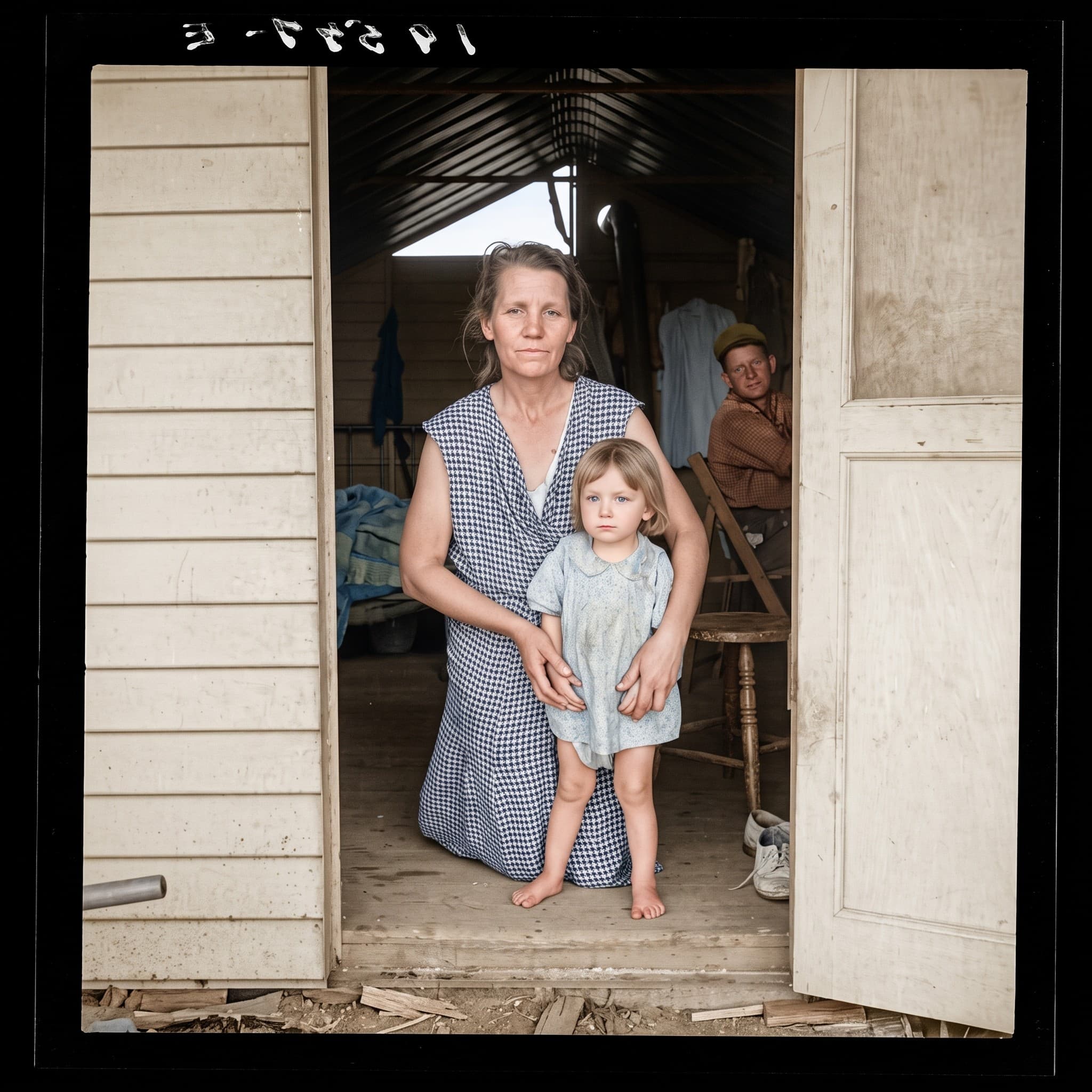
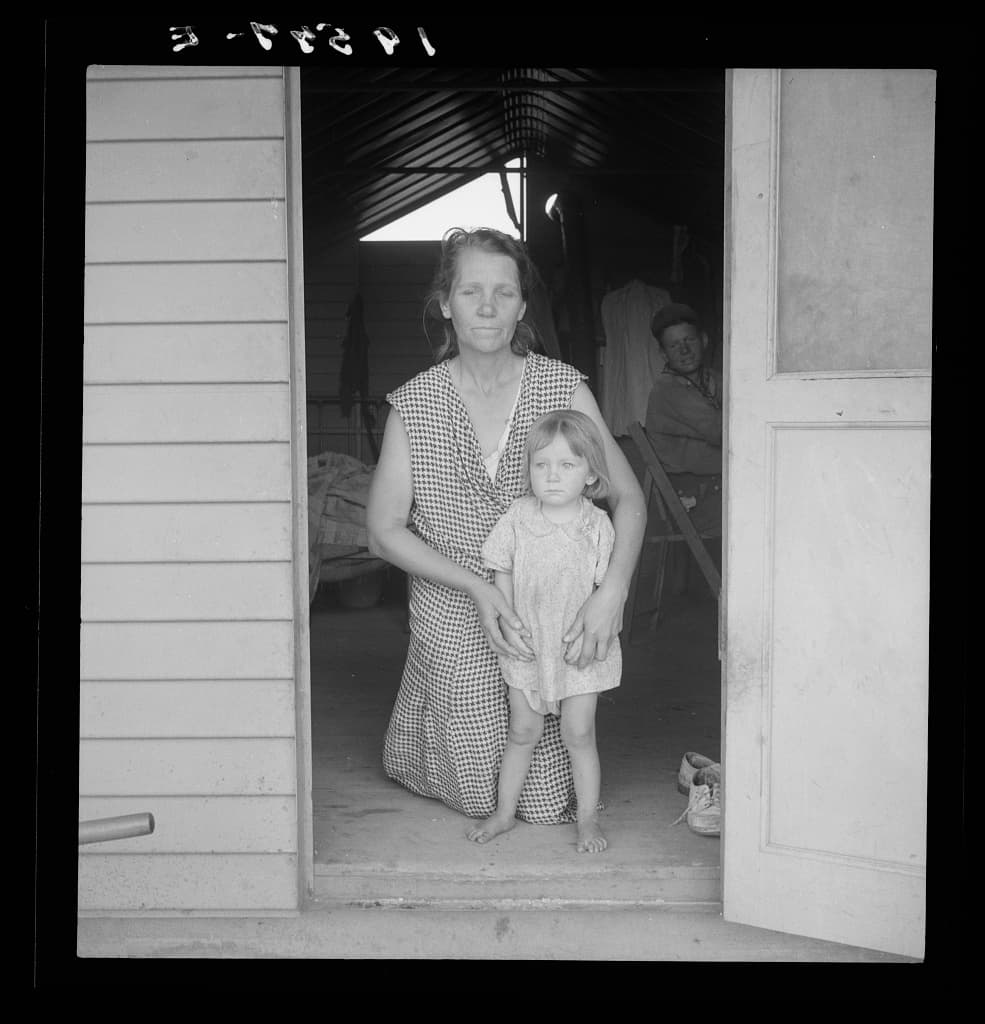
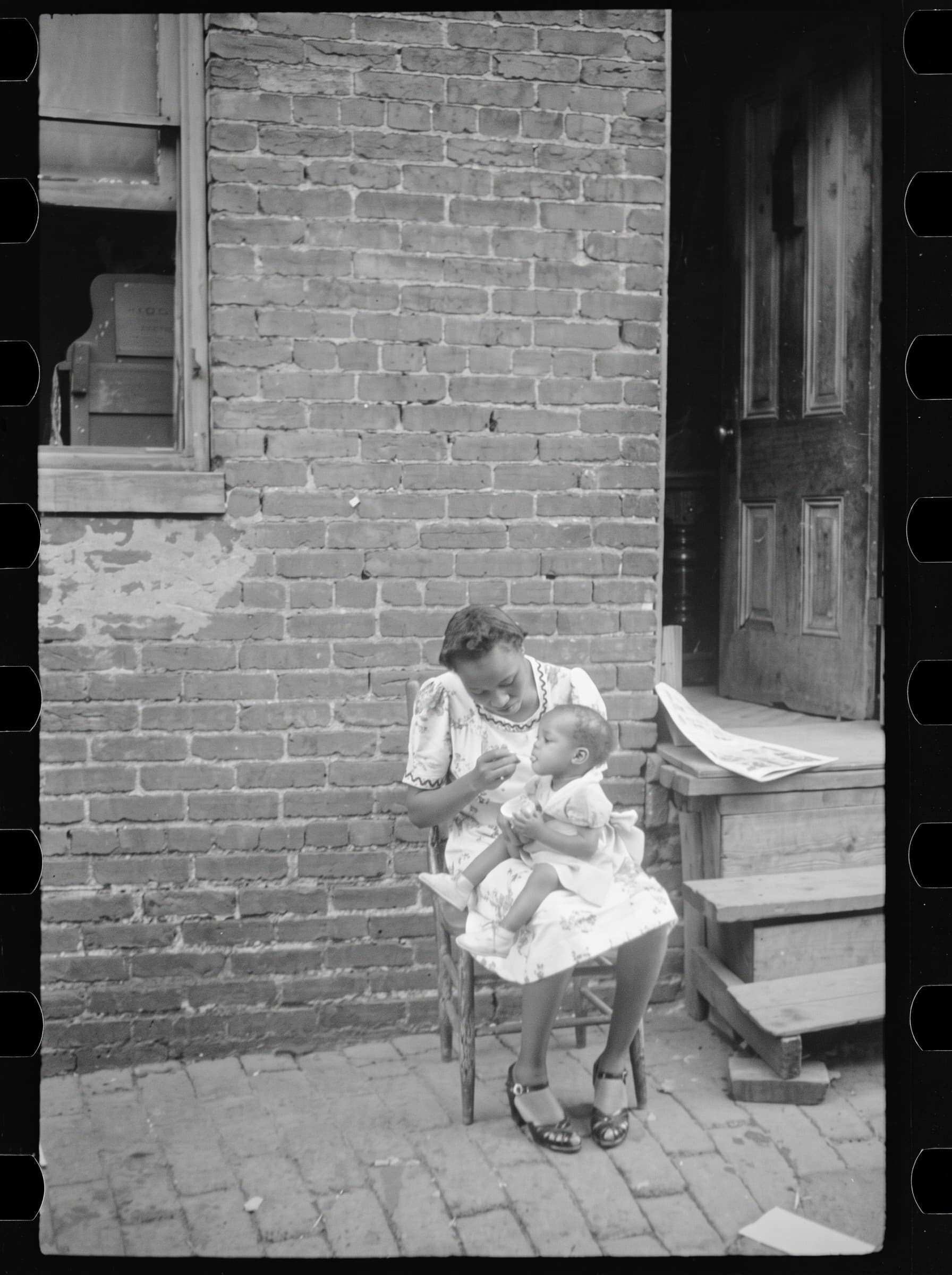
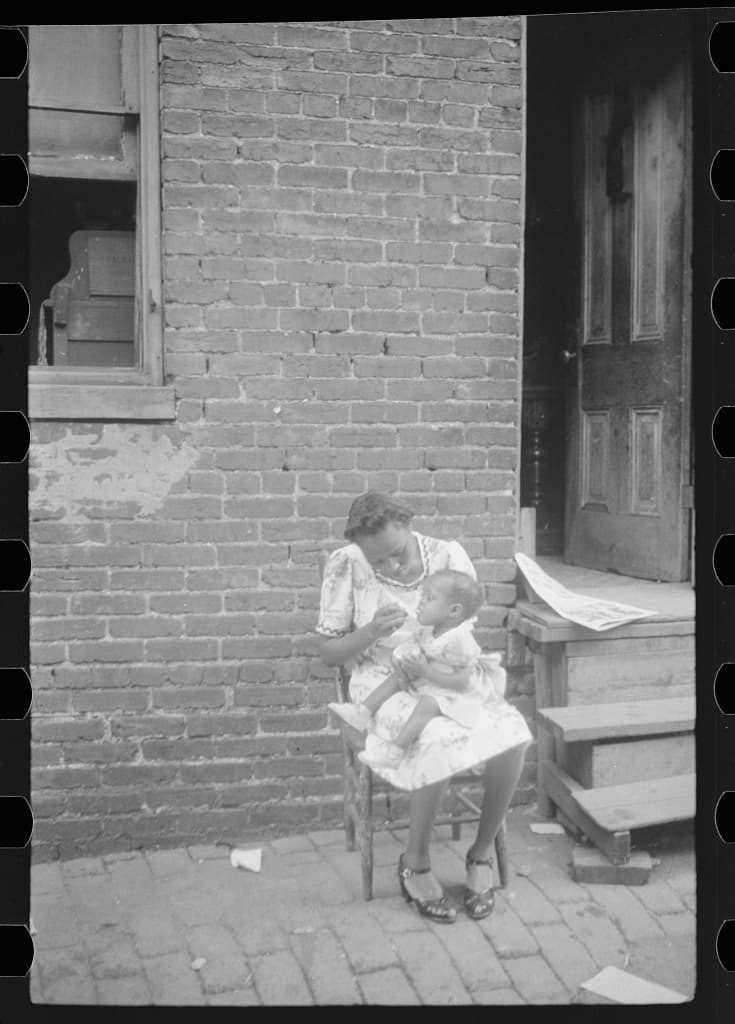
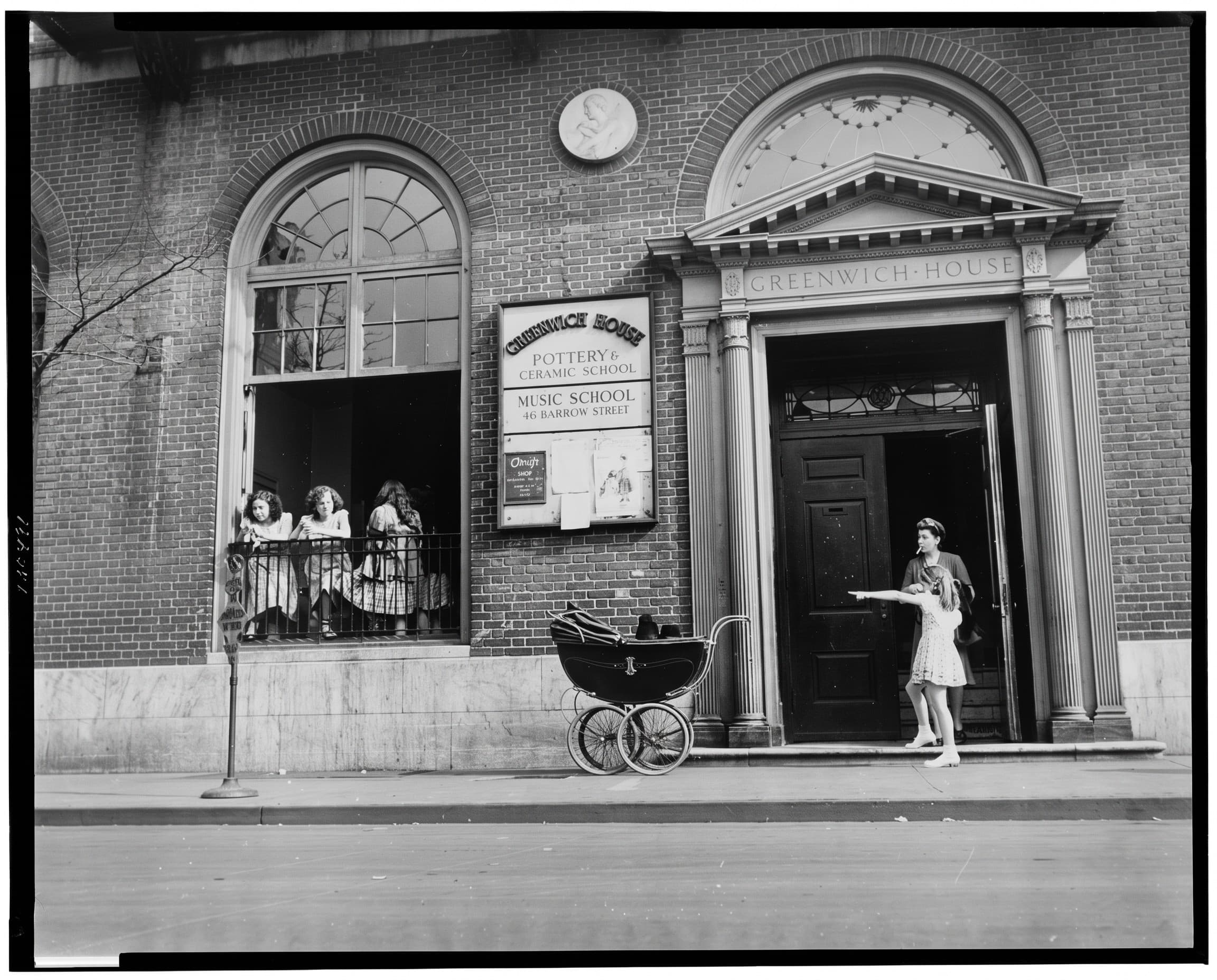
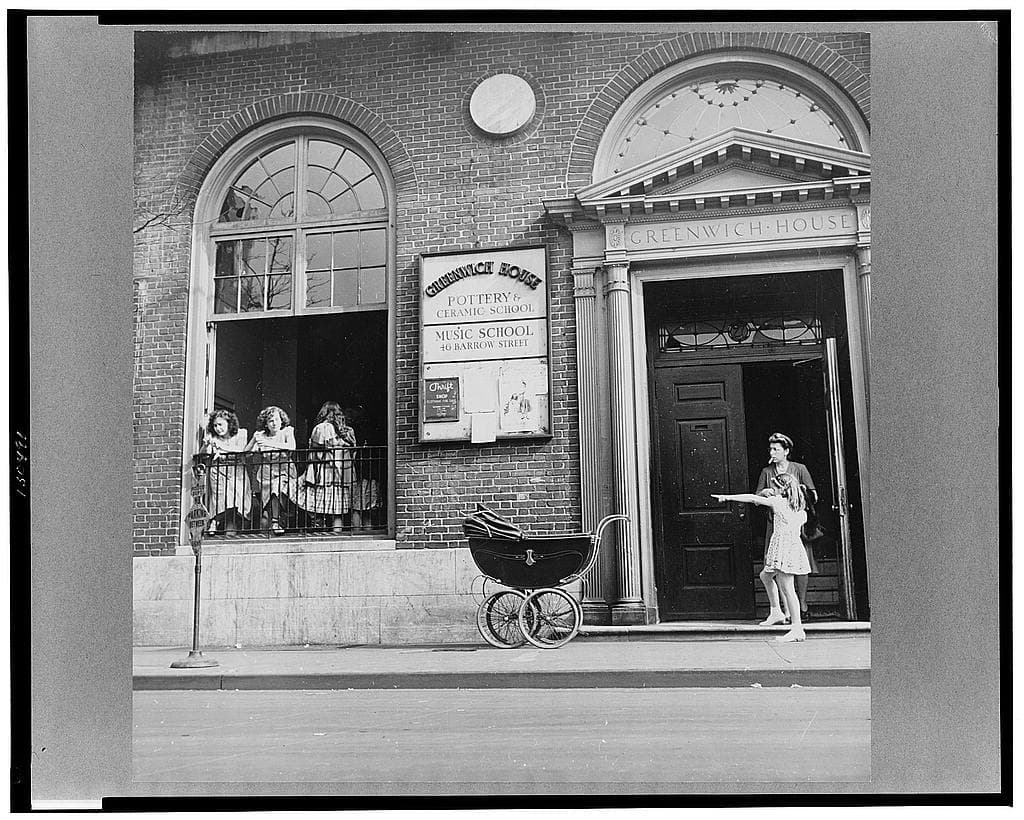
Photo restoration prices: AI or a retoucher?
Restoring an old photo can cost a few cents or a sizeable sum, depending on who does it and how damaged the print is. This guide explains what a manual retoucher charges for, what Photos Repair costs per photo (from €0.21 per HD photo), and how to choose between the two.
Select my photos20 photos every month, from €4.17/month (€49.99 billed yearly) or €9.99 month to month. Extra photos require an active subscription.
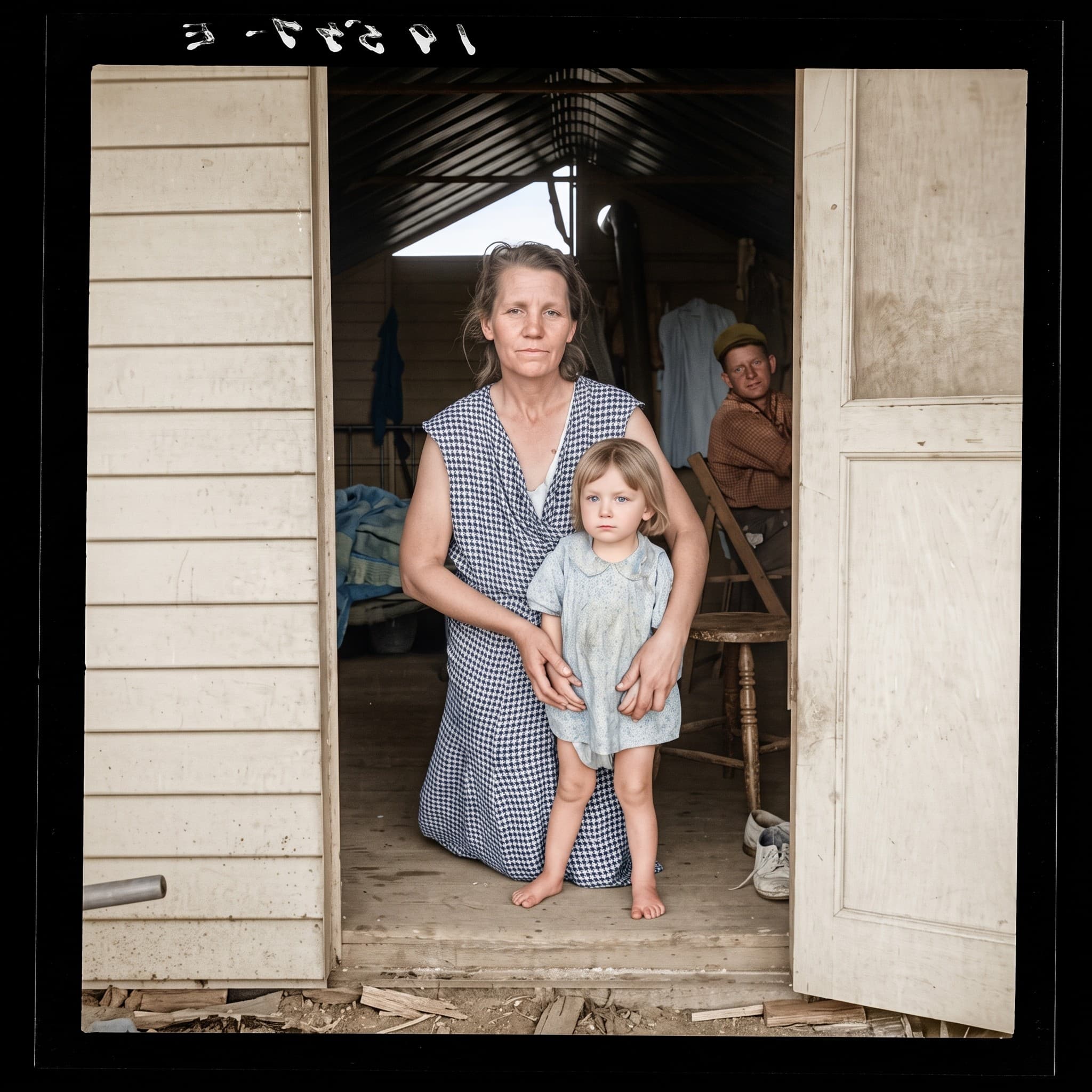
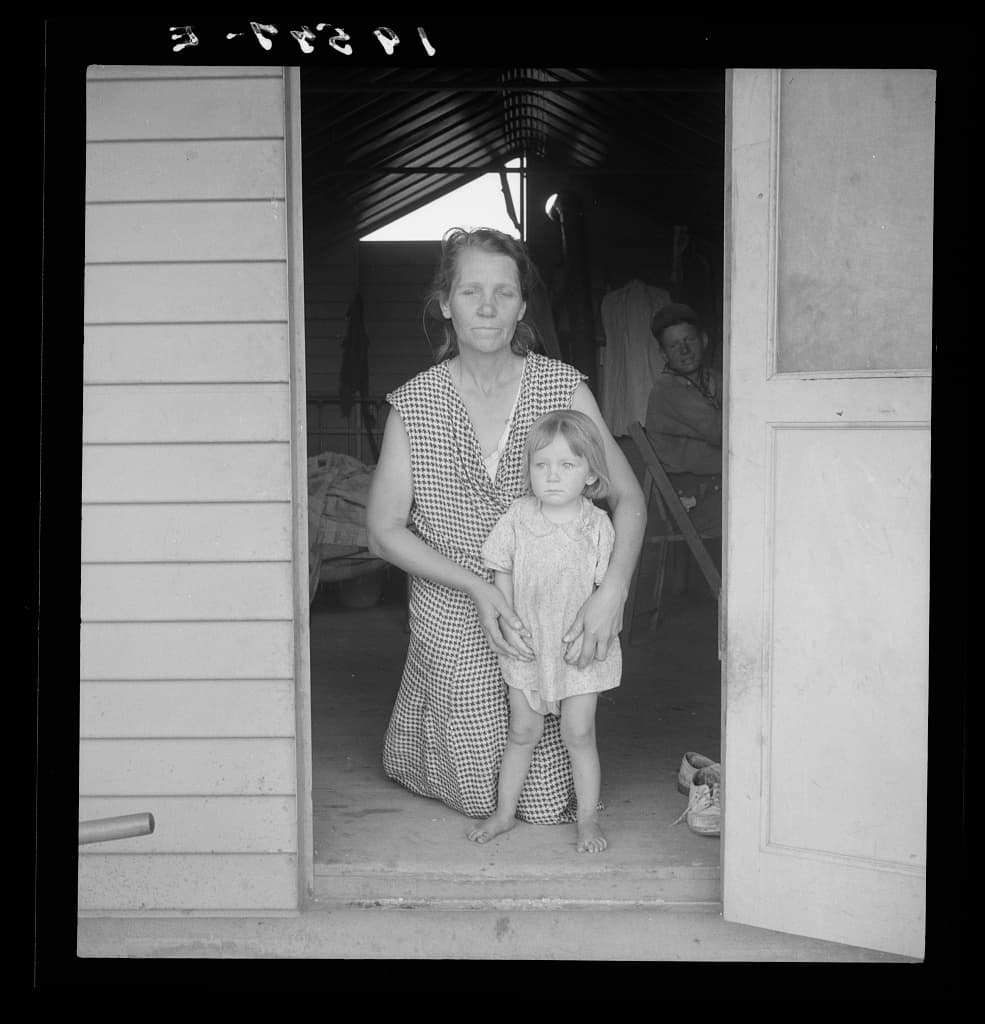
How it works
Whatever you choose, start with a good scan: it is the only input either service receives. A clean, evenly lit scan or photograph of the print reduces the work needed and the risk of invented details.
- Scan or photograph the print and keep that file as your original.
- Try the AI first: an HD restoration uses 1 photo from your plan, so you can judge a result for well under a euro.
- If a face or an important area is missing or wrong, send the same scan to a retoucher and ask for a quote on that specific photo.
What to expect
AI is fast and inexpensive, but it interprets the image. On a torn face, a missing eye or a blurred name on a sign, it produces a plausible guess, not a reconstruction based on other photos of the person. A retoucher can work from reference photos and your instructions.
With the annual plan (€4.17 a month, €49.99 billed yearly, 20 photos a month) a photo costs about €0.21 in HD or €0.42 in Ultra HD. Month to month (€9.99 for 20 photos) it is about €0.50 in HD or €1.00 in Ultra HD. Subscribers can add 10 HD photos for €4.99 (about €0.50 each). These averages assume every photo in the plan is used.
See also: Restore old photos with AI · Repair torn, creased or water-damaged photos
What a retoucher’s quote depends on
Manual restoration is priced on time. The quote usually rises with the extent of the damage (a few scratches or a missing corner), the presence of faces to rebuild, colorization, the output size needed for printing and the turnaround you ask for. Ask whether revisions are included and in which resolution and format the file is delivered.
Because each photo is different, compare quotes for the same scan rather than headline prices. Ask to see before/after examples of similar damage.
When AI is enough, and when to pay for manual work
AI restoration suits a batch of family photos with scratches, dust, fading or slight blur, where you want a cleaner copy to share or print at a moderate size.
A retoucher is worth it when the photo is unique and badly damaged, when a face must match the real person, for a large framed print, or when you need precise control over every detail. A good approach is to run the AI first and pay a professional only for the photos where it falls short.
Photo restoration prices compared
Starting prices published by three manual restoration services, next to the AI price. A retoucher’s final quote depends on your photo.
| Who restores the photo | Published price |
|---|---|
| Freelance retoucher on a marketplace (Comeup) | €15 for a basic retouch of one old photo, plus €15 to rebuild a missing part |
| Specialist restoration studio (UK) | From £10 for fading, £15 to £60 for damage from light to severe, from £45 for colorization |
| Local photo studio (US) | US$25 base restoration per image, plus US$25 to scan the print; heavy damage quoted after a consultation |
| Photos Repair (AI) | About €0.21 per HD photo on the annual plan, €0.50 month to month; colorization included, Ultra HD counts as 2 photos |
Prices in each provider’s own currency, as shown on their site; taxes, shipping and revisions vary. The AI figures are averages when every photo in the plan is used.
Sources: Comeup, photorestoration.services, Bill Smith Photo
Work out the cost of my albumClear prices, before processing
An HD photo counts as 1 photo from your plan, an Ultra HD photo as 2. Both qualities are included with every plan.
20 photos every month, from €4.17/month (€49.99 billed yearly) or €9.99 month to month. Extra photos require an active subscription.
Frequently asked questions
Is there a free trial?
Not on your own photos: payment comes before processing, because each generation has a real cost. The before/after examples on the site are real outputs of the same tool, so you can judge the quality before you subscribe.
Do unused credits expire?
Each month brings 100 new credits while the subscription is active. Credits have no scheduled expiry while your account and the service remain available, including after you cancel.
Can I cancel at any time?
Yes, from your account. Cancellation stops future renewals; credits already received remain usable.